 Holocron
Source available · BYOK · Local-first
Research graphs that write papers
Holocron maps hypotheses, literature, and experiments as a living graph — then runs a multi-agent pipeline to plan, write, and review publication-ready LaTeX on your machine.
npx holocron-research@latest start

Planner → Writer → Reviewer → Citation Verifier → Typesetter → VLM Review
See it in action
Watch the full walkthrough
From research graph to multi-agent paper generation — see Holocron run locally with Supermemory recall, process logs, and PDF output.
Product tour
Every layer of the research workflow
Dashboard, graph canvas, paper generation, agents, and reference discovery — all in one local stack.
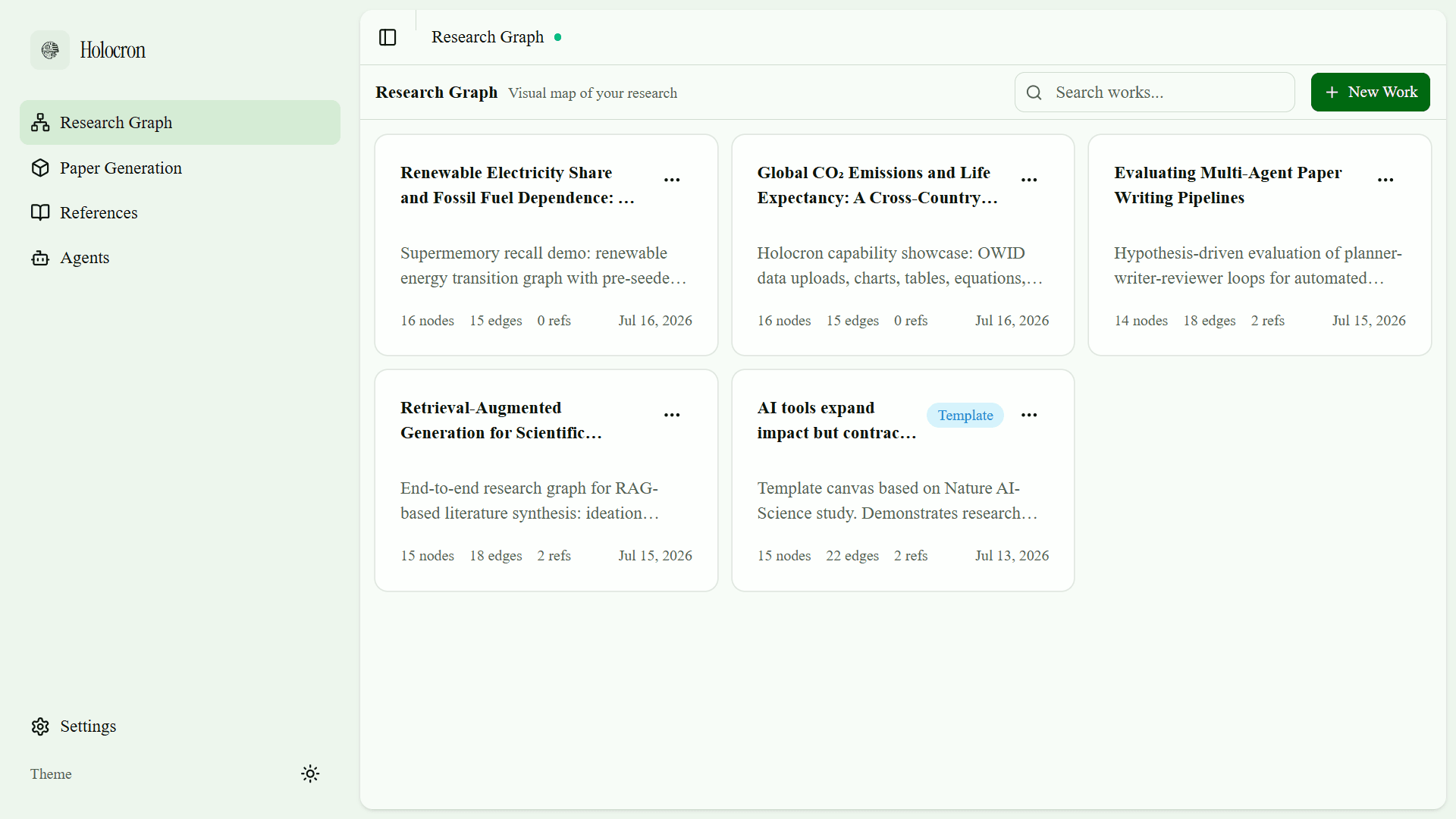
Research works
Organize multiple research projects from one dashboard.

Capabilities
What Holocron does
A complete local research environment — from literature discovery to publication-ready PDF.
16
node types
Research Graph
16 node types across ideation, knowledge, execution, and evidence. Connect ideas and generate papers from any end node.
work
scoped memory
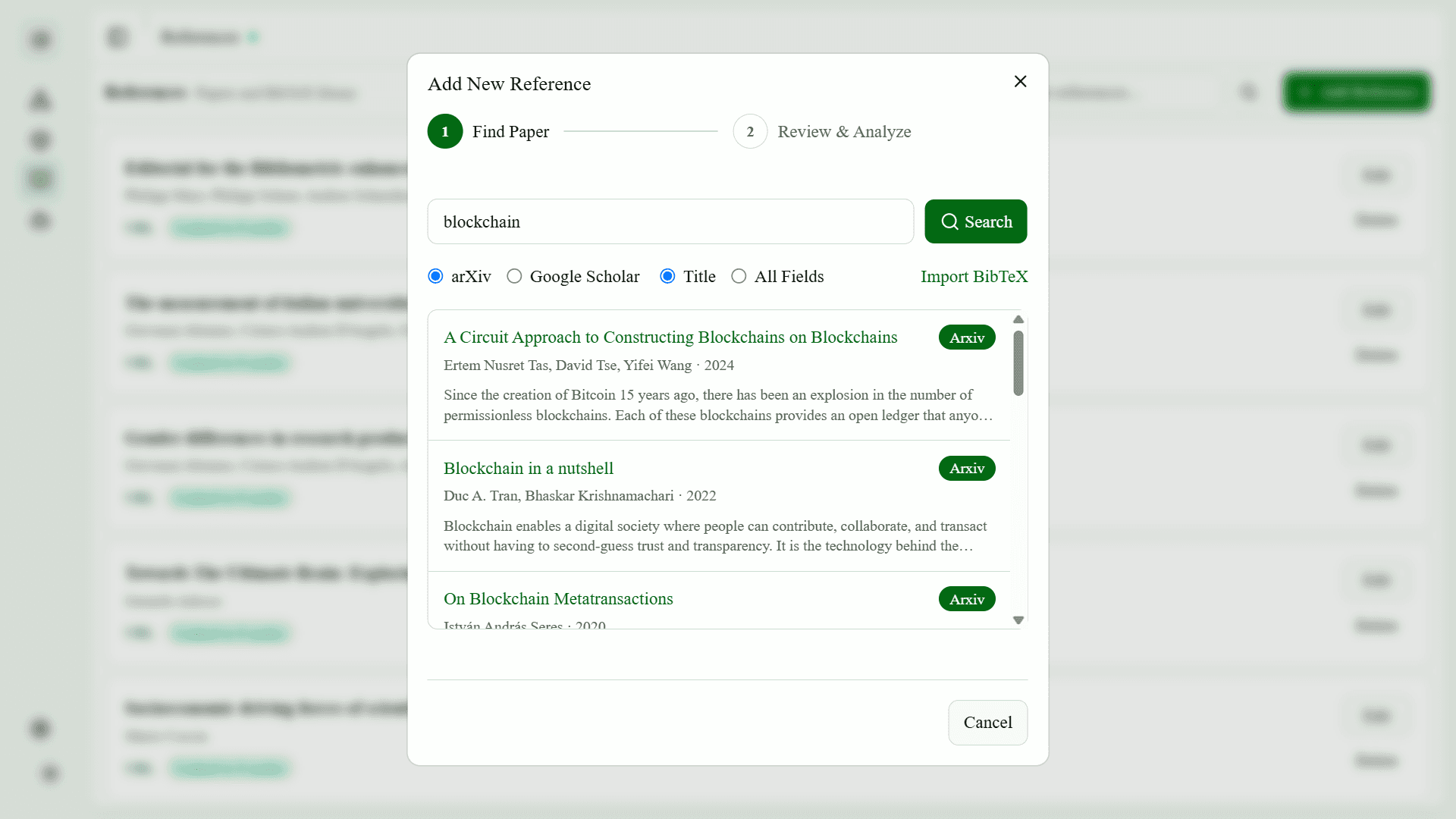
Discover & Ask
Rank related papers via Semantic Scholar. Ask memory-grounded citation questions scoped to each research work.
3
venue templates
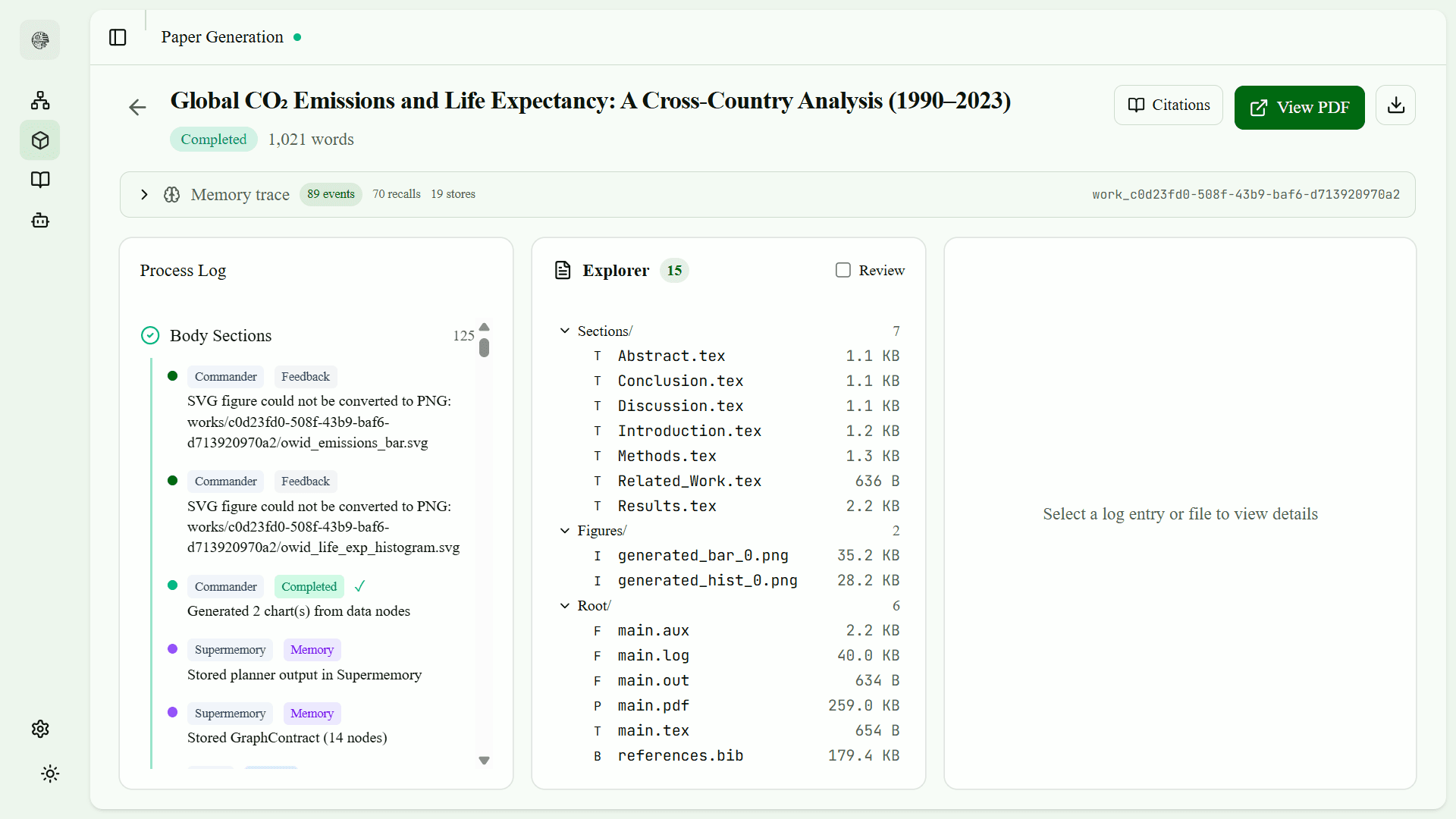
Paper Generation
Graph mode or metadata wizard. IMRaD LaTeX with Nature, IEEE, and ICML venue templates.
6767
local port
Supermemory Local
Agents recall prior plans, drafts, and references across generations — all on localhost:6767.
7+
LLM providers
Bring Your Own Key
K2 Think, OpenAI, Anthropic, Google, Groq, OpenRouter, or any OpenAI-compatible endpoint.
0
cloud required
Fully Local Stack
Postgres, Python agents, Next.js UI, LaTeX service, and Supermemory in Docker on your machine.
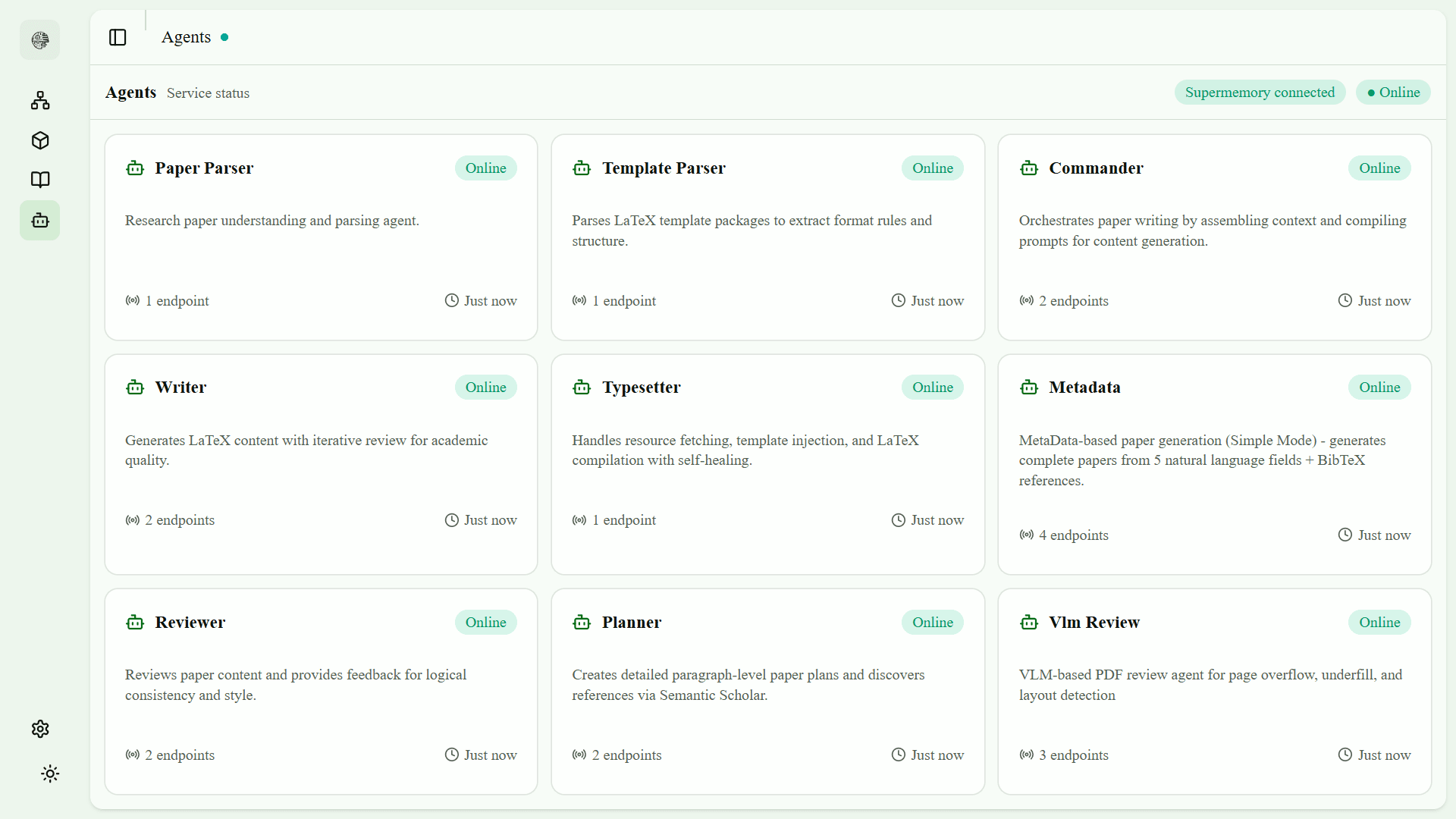
Multi-agent pipeline
Nine agents. One orchestrated workflow.
Supermemory profile, search, and store run at each phase. GraphContract tracks which nodes must appear in which sections.
Planner
Outline + Semantic Scholar / arXiv discovery
Writer
Graph-grounded IMRaD LaTeX section generation
Reviewer
Logic, style, length, and citation coverage loop
Citation Verifier
Ensures all bib keys and literature nodes are cited
Typesetter
Self-healing LaTeX compilation to PDF
VLM Review
Visual PDF layout detection
Commander
Pipeline orchestrator across all phases
Metadata
Simple-mode paper from metadata fields
Paper Parser
PDF understanding and structured extraction
Bring your own key
Your keys. Your data. Your machine.
Configure any supported LLM provider in Settings or via the CLI setup wizard. Keys stay in ~/.holocron/.env.
| Provider | Default model | Notes |
|---|---|---|
| K2 Think | MBZUAI-IFM/K2-Think-v2 | Recommended for demos |
| Groq | llama-3.3-70b-versatile | Fast inference |
| OpenAI | gpt-4o | Official API |
| Anthropic | claude-sonnet-4-20250514 | Messages API |
| gemini-2.0-flash | OpenAI-compatible | |
| OpenRouter | openai/gpt-4o | Many models, one key |
Get started
Running in four steps
Node.js and Docker are the only prerequisites. No Python, Postgres, or manual setup.
Install Node.js 20 LTS
Required for the holocron CLI via npx.
Install Docker Desktop
Holocron ships Postgres, agents, web UI, LaTeX, and Supermemory in Docker.
Verify prerequisites
Run holocron doctor — all checks should pass.
Start Holocron
First run pulls images, runs migrations, and opens localhost:3000.
Verify
npx holocron-research@latest doctor
Start
npx holocron-research@latest start
FAQ
Common questions
What do I need to install?+
Node.js 20+ and Docker Desktop. Run npx holocron-research@latest doctor to verify prerequisites before starting.
Does Holocron require a cloud account?+
No. The full stack runs locally in Docker. You only need an LLM API key if you want real paper content instead of mock mode.
What is mock mode?+
Leave the API key empty during setup to run placeholder content — useful for exploring the UI without spending on inference.
Where is my data stored?+
Research works, references, and generations live in local Postgres. Config and API keys are in ~/.holocron/.env. Supermemory runs at localhost:6767.
Can I use Holocron commercially?+
Holocron is licensed under PolyForm Noncommercial 1.0.0. Personal, research, and educational use is permitted. Commercial use requires separate permission.
How do I contribute?+
See CONTRIBUTING.md on GitHub. Fork, branch, run npm run lint and npm run test, then open a focused pull request.
Start mapping research that writes itself
Install Holocron locally, bring your own LLM key, and generate publication-ready papers from your research graph.